A new year of opportunities
Design trends can shift with society’s mood and with breaks from the paths followed until now. This social change, together with the new communication channels emerging every day, defines how we connect with the world around us.
This time we’ll take a quick look at the world of UX Design or User Experience Design. It studies how users behave, how they interact and what problems or needs they have, in order to create a product that serves them. You’ll discover why it matters and why the role of a UX designer is becoming more important every day.
New times
Trends come with change and transformation. Since the first radio, the first television, the first mobile phone, the first smartwatch and so on, we have kept evolving the way we communicate, how we fit into our environment and how we think.
Information is power, but true power lies in knowing which information to listen to.
We could get into a big debate about how technology has conditioned us and how this affects people and families (past, present and/or future). But I’ll leave you with the thought so you can reflect on it and take a look around you ?.
What interests us is explaining how any engineer or designer should embrace these influences to enrich people’s lives with their many useful possibilities. Finding out to what extent they make everyday tasks easier and how they help solve our most common problems.
New technologies require new ways of working and, at the same time, new learning. The latter must fit into people’s routines and daily lives. Creating synergy between technology, user and behavior has always been the pinnacle of good design.
That’s why, in the trends for 2019, we’ll dig much deeper into functionality than aesthetics. We prioritize accessibility over uniqueness. After all, everyone understands that a design has to be visually appealing, and we take that for granted far more than the engineering that is also part of the final product. With that said, here is our design forecast for 2019.
Trends in color, 3D images and layers with depth
Until now, minimalist design and the Material Design concept have kept designs focused on neatness and simplicity. We were entering an aesthetic defined by flat elements, bright colors and a box-based layout system that made content easy to read.
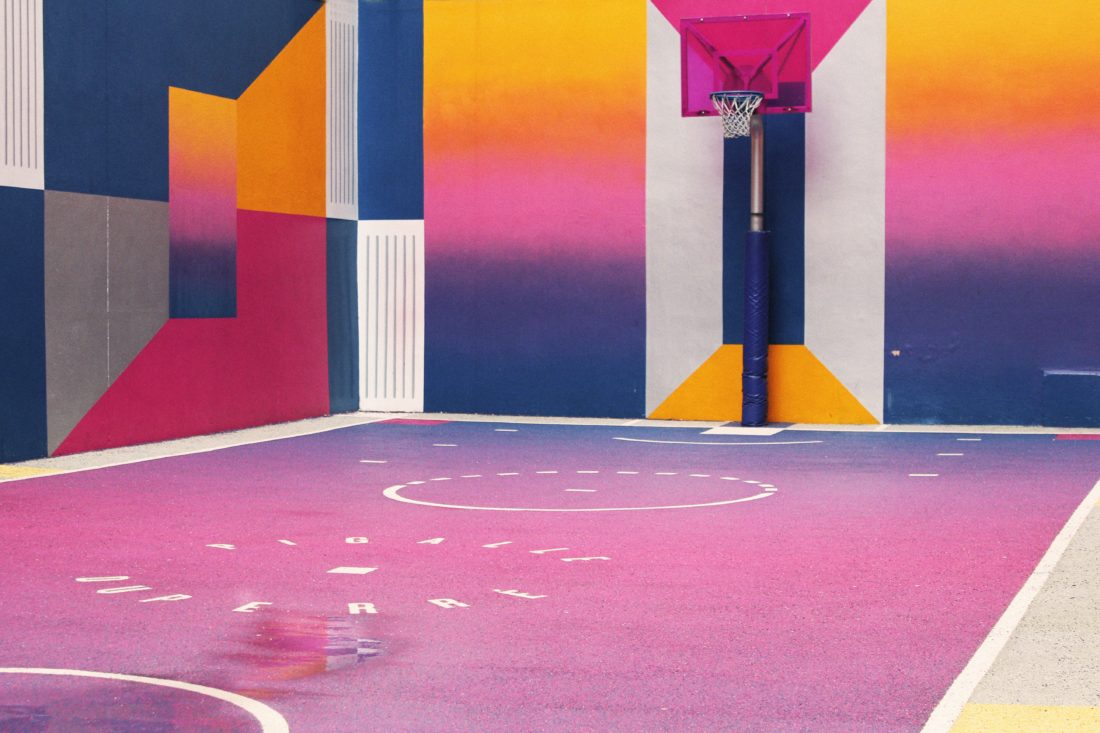
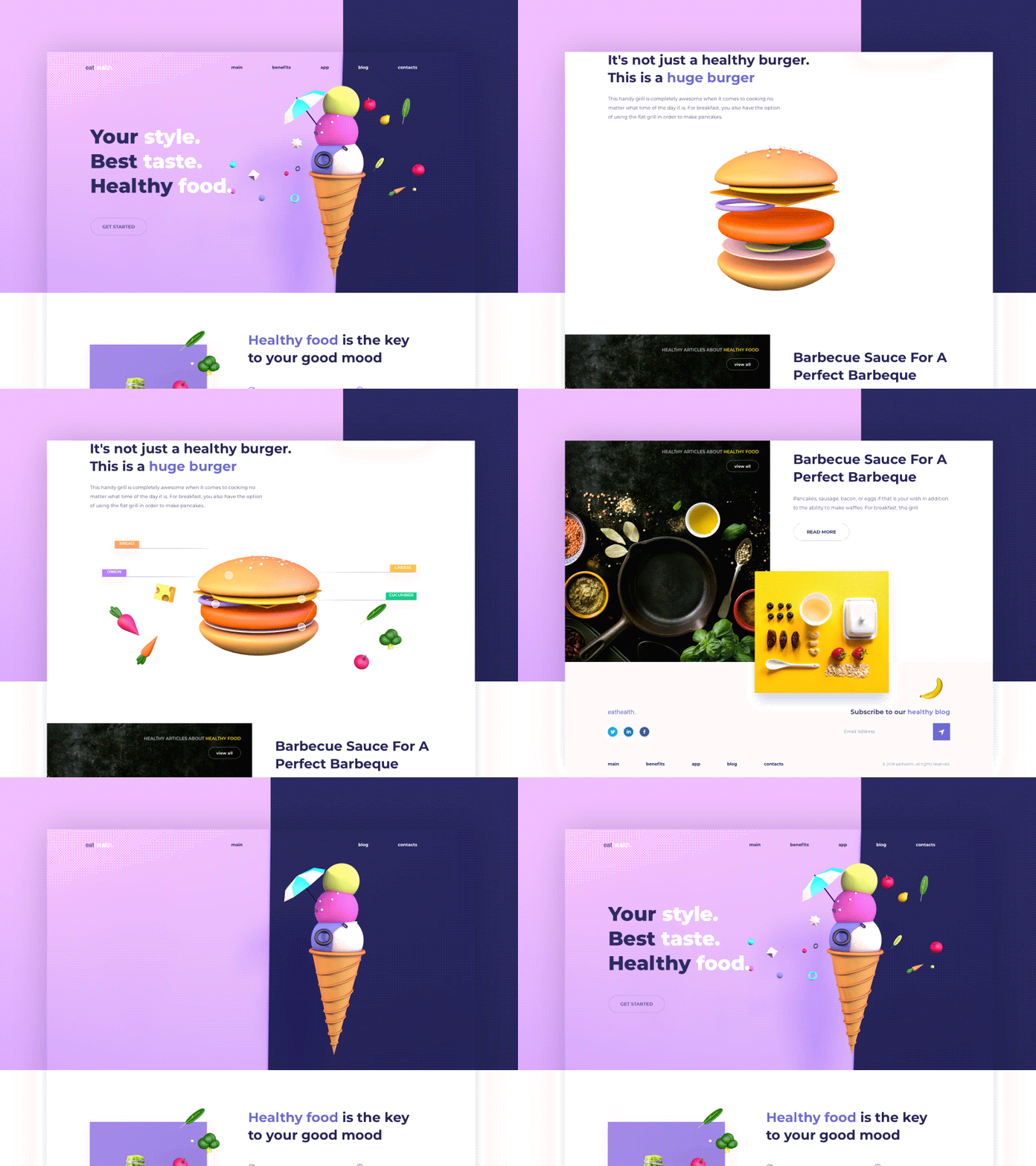
Now we’ll keep going in this direction but add a bit more depth to the design. We want to break away from “flatness” to add more contrast, bolder colors and more saturated tones. Combining these vibrant colors with exuberant typography and gradient backgrounds will give a positive boost to the page’s look&feel and style.
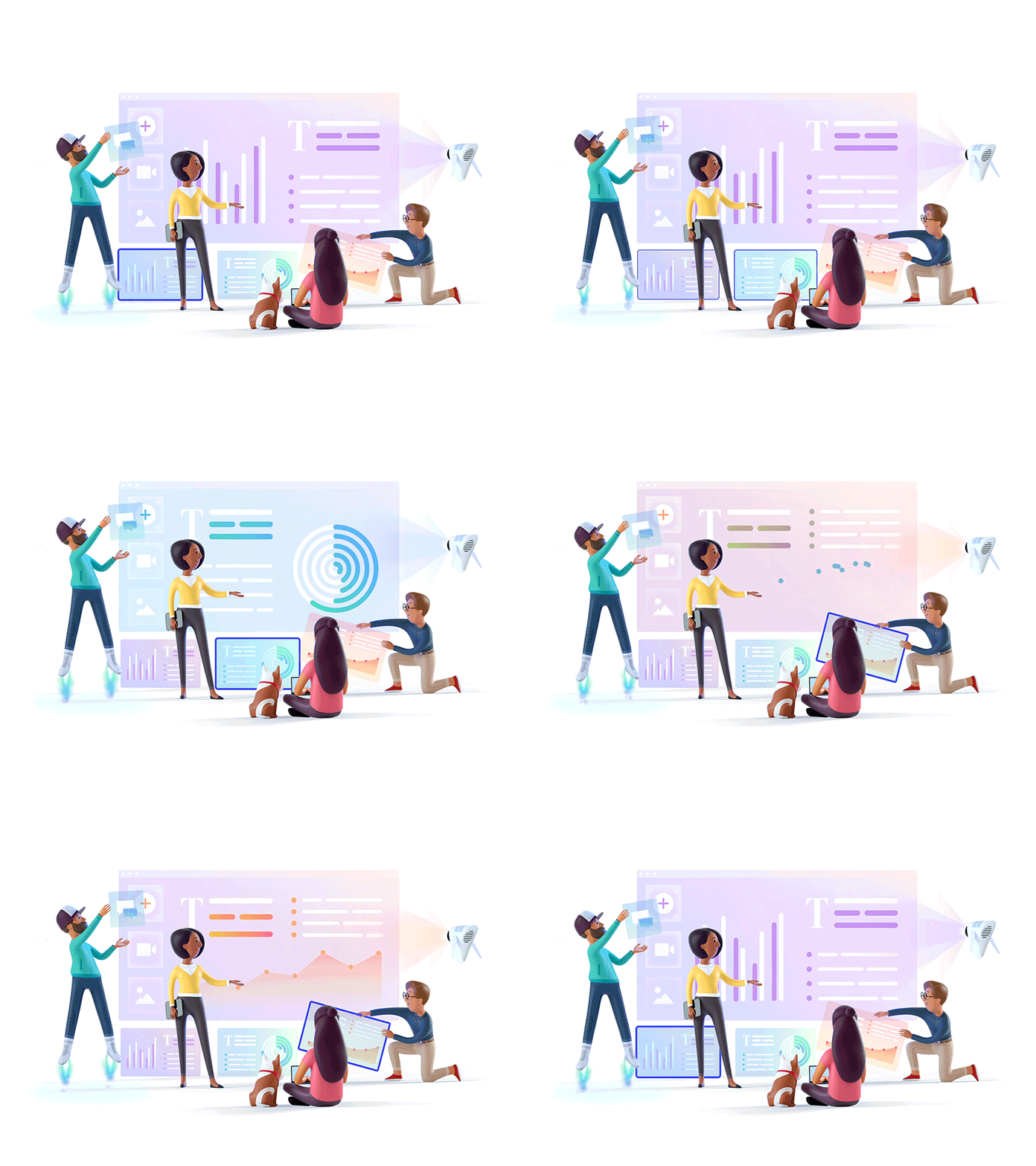
We’ll also see a stronger use of 3D images and illustrations, with volume and animation. There is a tendency to combine vintage-style images with clean line work. In addition, designers will keep working with textured images such as isometric perspective. These touches bring freshness and fun. The combination of clean graphic design, micro-interactions and image depth will deliver good readability with a lot of charisma.
Higher-fidelity prototyping
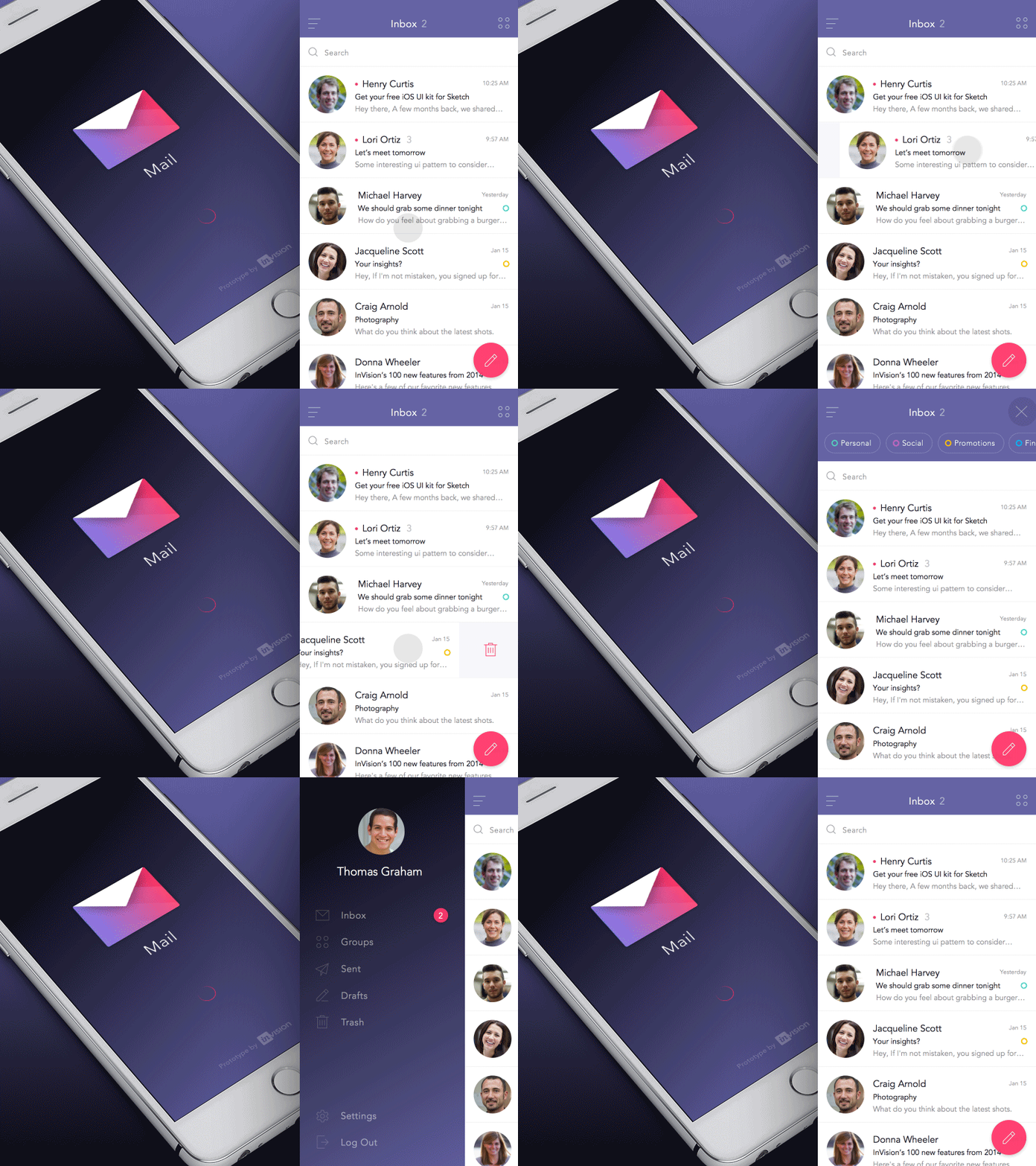
As we’ll see later, designing around users means learning more about how they relate to our products, to the people around them and to environmental stimuli (we’ll talk about context-based design). That’s why a good prototype makes it easier to understand how a page works and what it’s meant to do. It will be extremely important to convey as much information as possible to the user to uncover the product’s pros and cons.
One example of a prototyping tool is InVision. It helps capture interaction and user experience much better.
Context-based design
The world is connected, which means internet use goes far beyond homes and workplaces. Context is becoming the most important requirement when working on a design.
We need to design products that allow the widest possible range of actions. They aren’t based solely on what the object offers, but also on the user’s ability to use it.
Designing with context in mind makes us think about the conditions around us. You might be on the subway, running in the mountains or standing in a queue, and none of these situations is the same. That’s why our trends focus on increasing usability and ease of use.

User-centered design (UCD)
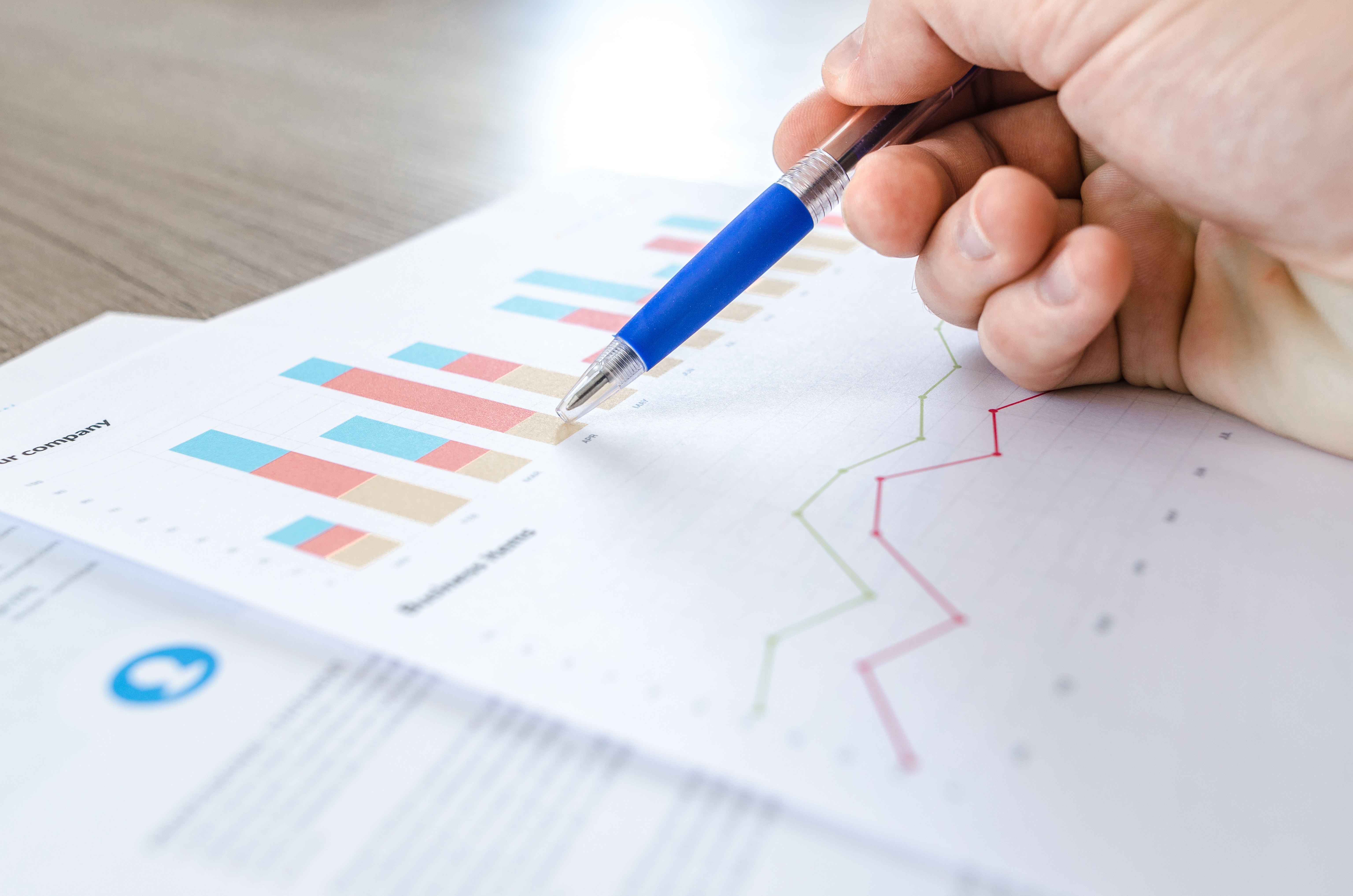
And that’s where the UX Designer comes in. The main mission of a user experience designer is to understand users and design around their gaps, needs, habits, behaviors and everything mentioned above. In other words, a designer who revolves around the user as the central axis.
More than a trend, it’s a must-have. This role has existed for some years and is becoming increasingly important. There will be more pressure on the union of form and function. More effort will be needed to understand users’ problems in order to create a product that solves them.
Voice interface trends
Using your voice to trigger a device’s actions is clearly becoming more and more common among the general public.
- Who hasn’t heard of, or seen ads for, Amazon’s new device, Echo?
- Who hasn’t used a voice assistant like Alexa or Siri at some point?
- Who can say they’ve never used their digital bank’s help assistant?
- Or who hasn’t used the Google Maps app to search for a restaurant by voice?
If you answered yes to any of these questions, you’ll know that it will soon be an everyday tool built into your daily life. If, on the other hand, you haven’t tried any of these features, don’t worry. Our predictions say you will sooner rather than later ?.
Trends in adapting to new technologies
Of course, we could spend hours researching and writing about Virtual Reality (VR), Augmented Reality (AR) and Artificial Intelligence (AI), and how they are being built into tech devices that go beyond entertainment.
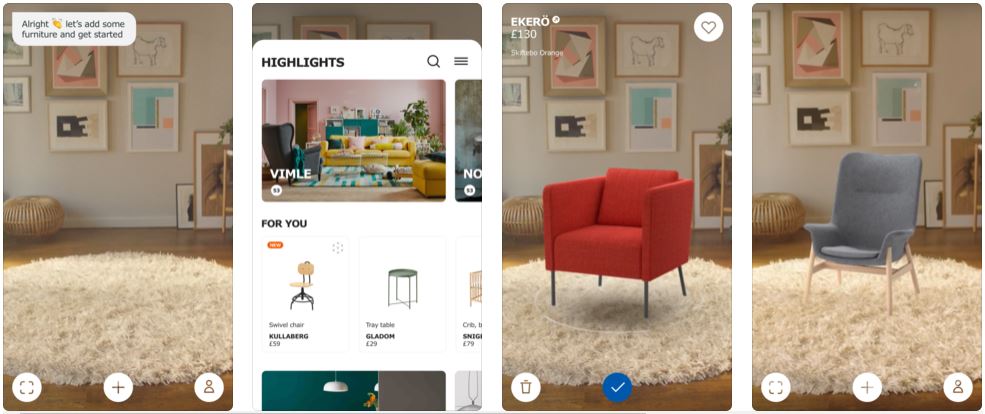
For an online store, an AI can bring new ideas and bring us closer to a reality that is very hard to grasp through a screen. One example is Ikea’s app, IKEA Place. It gives an accurate impression of the size, design and functionality of home furniture so you can stop wondering how it would look.
But we also want to highlight how this industry is advancing in healthcare and helping people with disabilities adapt to the times. This intelligence will allow websites to change shape depending on who is using them.
Facebook, for example, is experimenting with Artificial Intelligence to “read” the images people post and describe them to visually impaired users. A real achievement and a way to help people with more limited accessibility.
Try Artificial Intelligence!
Before you go, we want you to have a bit of fun and try two different Artificial Intelligence applications. The first is a drawing and guessing game for all ages. The second is a new Google search app.
Quick Draw!, an AI game
A great example of how new technologies are being used across different fields can be found on the Experiments with Google page: https://experiments.withgoogle.com/
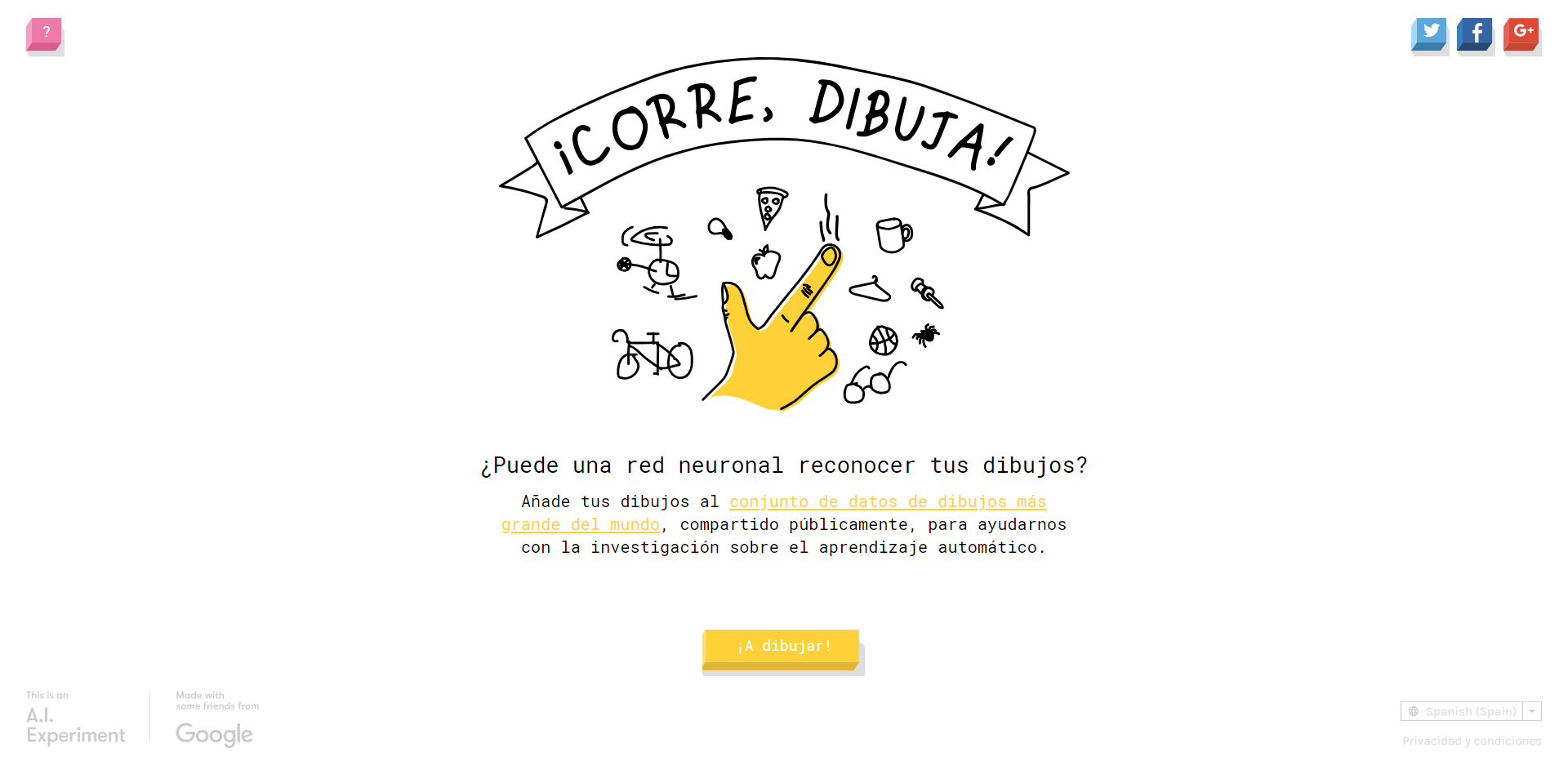
More specifically, here’s the link to the game Quick Draw!, which you’re sure to love. It’s a tool that asks you to draw an object, animal or thing in 20 seconds and then guesses what it is. Are you up for the challenge? Let’s go!
https://quickdraw.withgoogle.com/
Google Lens App
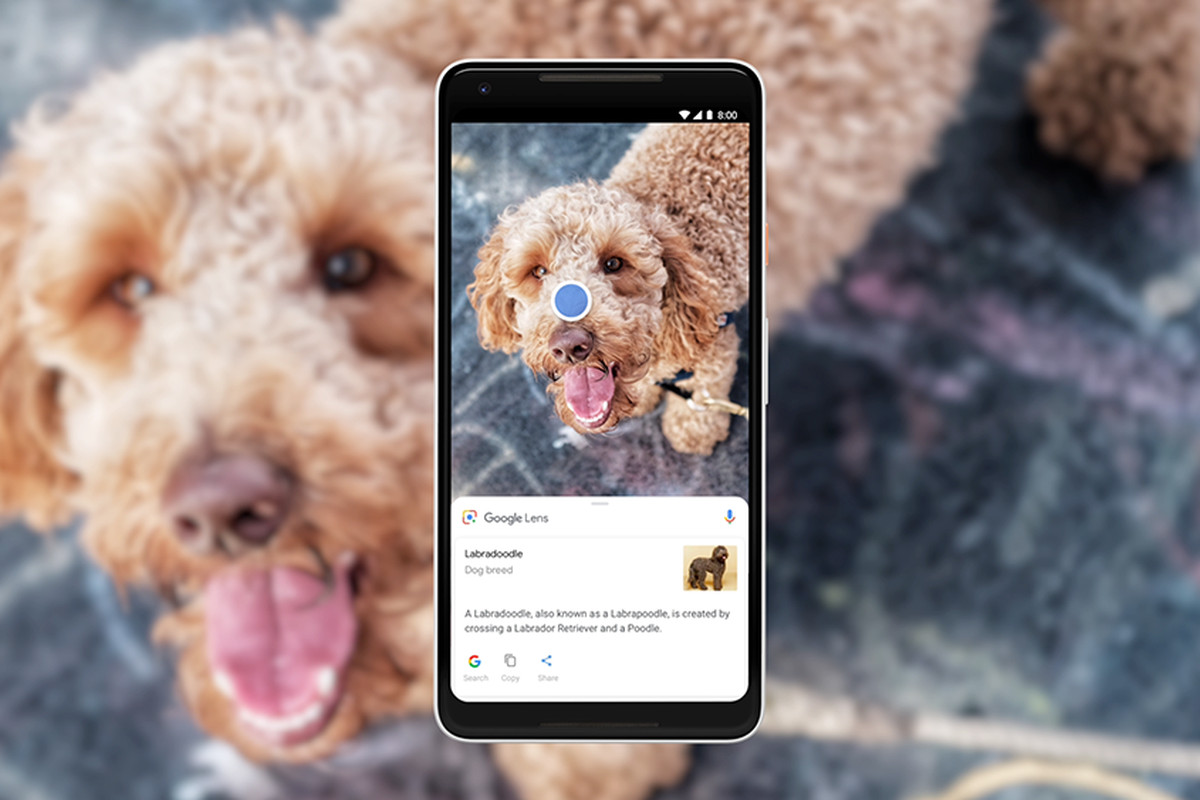
Google recently launched Google Lens. A free app that lets you search everything you see. Take a photo of a restaurant to get its address, snap a pair of trousers to find out where to buy them or read more about your dog’s breed! Download the app and discover everything it can do:


What did you think of our trends?
If you liked this post, also check out these articles on other aspects of design:
- Priority+ navigation: a solution for mobile
- How to use images correctly in your eCommerce
- eCommerce design: the online store design process
If you have any questions, don’t hesitate to get in touch with us ?. See you next time!